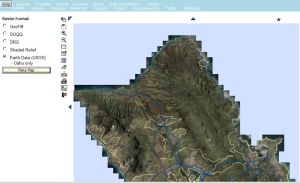
There are several ways to display imagery on maps. One way to display GeoTiff imagery is to
click on the radio button labled “Raster” at the bottom left side of the query Control panel (shown below at
the left side of the screenshot) BEFORE running a query. The results will be returned overlaid on this
imagery: an hpms Sample query is displayed below
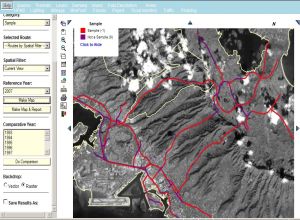
Another way to display various types of imagery is by selecting “Imagery” from the top menu bar. This
imagery can be displayed after a query has been run and a map created. There are five options available in
the menu to the left of the map area for various renderings of a geographic area.
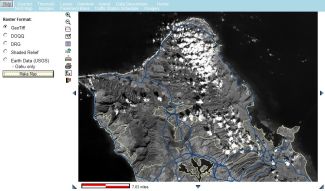
First there is “GeoTiff”, which displays low resolution images obtained from the SPOT satellite, as shown below:
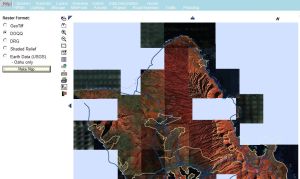
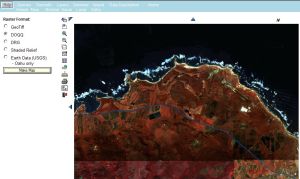
Then there is DOQQ - the high resolution Digital Ortho Quarter Quad imagery. This imagery database is
currently incomplete however so there are sometimes holes in the larger maps as shown below, left.
...
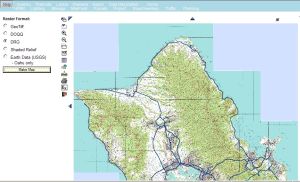
Digital Raster Graphics (DRG) is the next selection: these are digitized USGS quad maps:
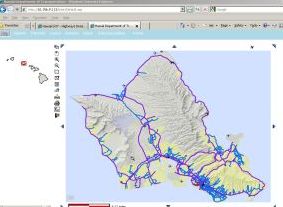
Shaded Relief imagery is also available, as depicted below:
Earth Data (USGS) imagery acquired in 2004 and 2008 is currently available for the Island of Oahu: