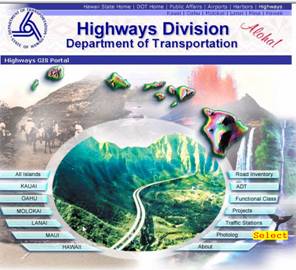
Periodically, Hawaii Routes are surveyed and the digital photographs are available for viewing from the website. This provides a visual representation of each route from start to finish via two views (forward and right-of-way). Using this feature a route and milepoint can be selected for viewing, along with the GPS coordinates. This feature is accessible from the website’s opening splash page and also from the Maps page menu.
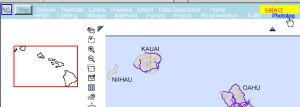
Or Maps Page Menu:
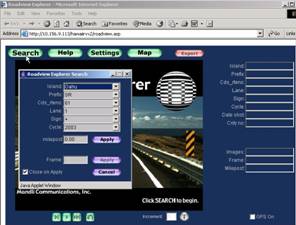
The following screen appears and when “Search” is selected, the details of a Route to view can be selected:
Click "Apply" and the first photo of the selected Route will appear as shown below; the videolog can then
be started: by clicking the “>” button; a frame-by-frame view of the route will be sequentially displayed.
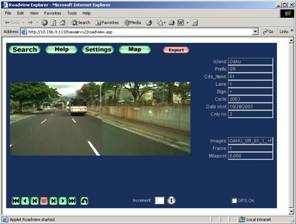
The GPS coordinates can be displayed by checking the box labled "GPS ON".
Another method of selecting a Route is to click on “Map” instead of “Search”. This will
produce the Maps and Queries page of the Website, from which you can click on a route to begin viewing
photos of the route from that point - this feature is described in detail in the next section "Photolog
access from maps".