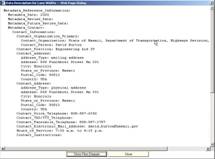
The Data Description selection allows the user to see the metadata for each data item. Metadata is the background information about the data, i.e. who collected the data, when was it collected, what is the accuracy of the data, etc. This allows the user to understand the data and make accurate decisions when using the data.
The Data Description Control Panel (shown below) provides access to both Data Flow diagrams and the metadata description for each data item.
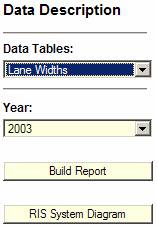
Select the data and the year of interest followed by Build Report. The Data Flow diagram is displayed. This diagram shows the typical steps used to acquire and display this data item.
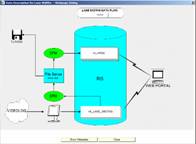
Select Show Metadata to see the textual metadata report.