Detailed maps of interchanges can be obtained from the website by locating the line surrounding an
interchange and clicking on it when it turns yellow.
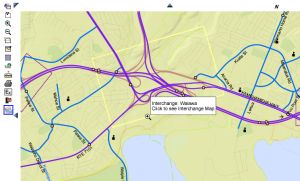
The Map will then appear as shown below:

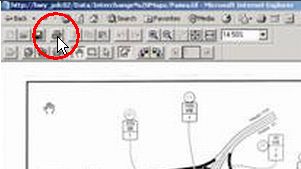
1. To Print the Map on one page: Click on the “printer” icon at top of map:
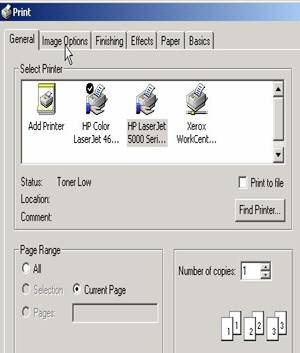
2. Select the ‘Image Options’ tab in the resulting dialogue box “Paper Range” can be either ‘All’, or ‘Current Page’:
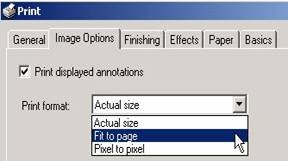
3. Adjust the ‘Image Options’ to “Fit to page” as shown below:
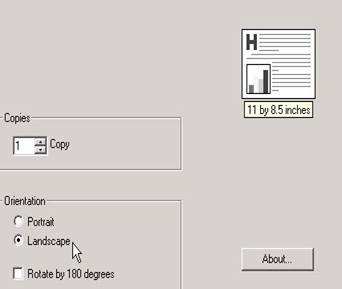
4. Then select the “Basics” tab and adjust to ‘Landscape’ as shown:
5. The resulting printed page will show the entire Interchange Map.