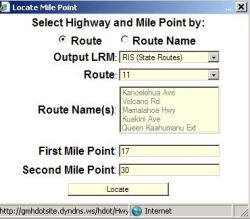
The location of a particular segment of a roadway can be located on the map by using the Query\Mile Point
submenu. In the following example, the route number 11 is selected and the segment from milepoint 17 to 30 has been selected
- there is a picklist of Highway no’s under the Route dropdown box:
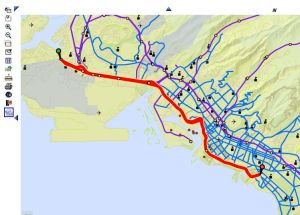
The following map will appear, with the selected segment centered in the screen and colored red; the beginning point at milepoint 17 has a green 'Push Pin' icon on it, and the end point at milepoint 30 has a red 'Push Pin' icon on it.
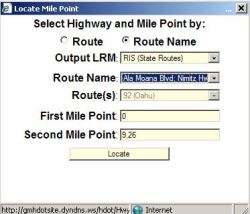
Alsternatively, the Route Name can be used to find the location of a particular segment of a roadway with
the Query\Mile Point submenu. Select the "Route Name" radio button at the top and the Route Name drop down
box becomes available for picking the desired Route Name. In the following example Ala Moana Blvd has been
selected:
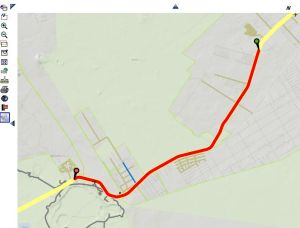
The following map will appear, with the selected segment centered in the screen and colored red; the
beginning point at milepoint '0' has a green 'Push Pin' icon on it, and the end point has a red 'Push Pin'
icon on it.